

Knowledge and texts
Feed Mise AI the answers callers ask for, and set the texts it sends after a call.
Two tabs decide how helpful Mise AI is beyond taking a booking: Knowledge holds what it can answer, and Messaging holds what it texts. A well-fed knowledge base is the difference between "let me transfer you" and an instant answer about your corkage policy.
The Knowledge tab
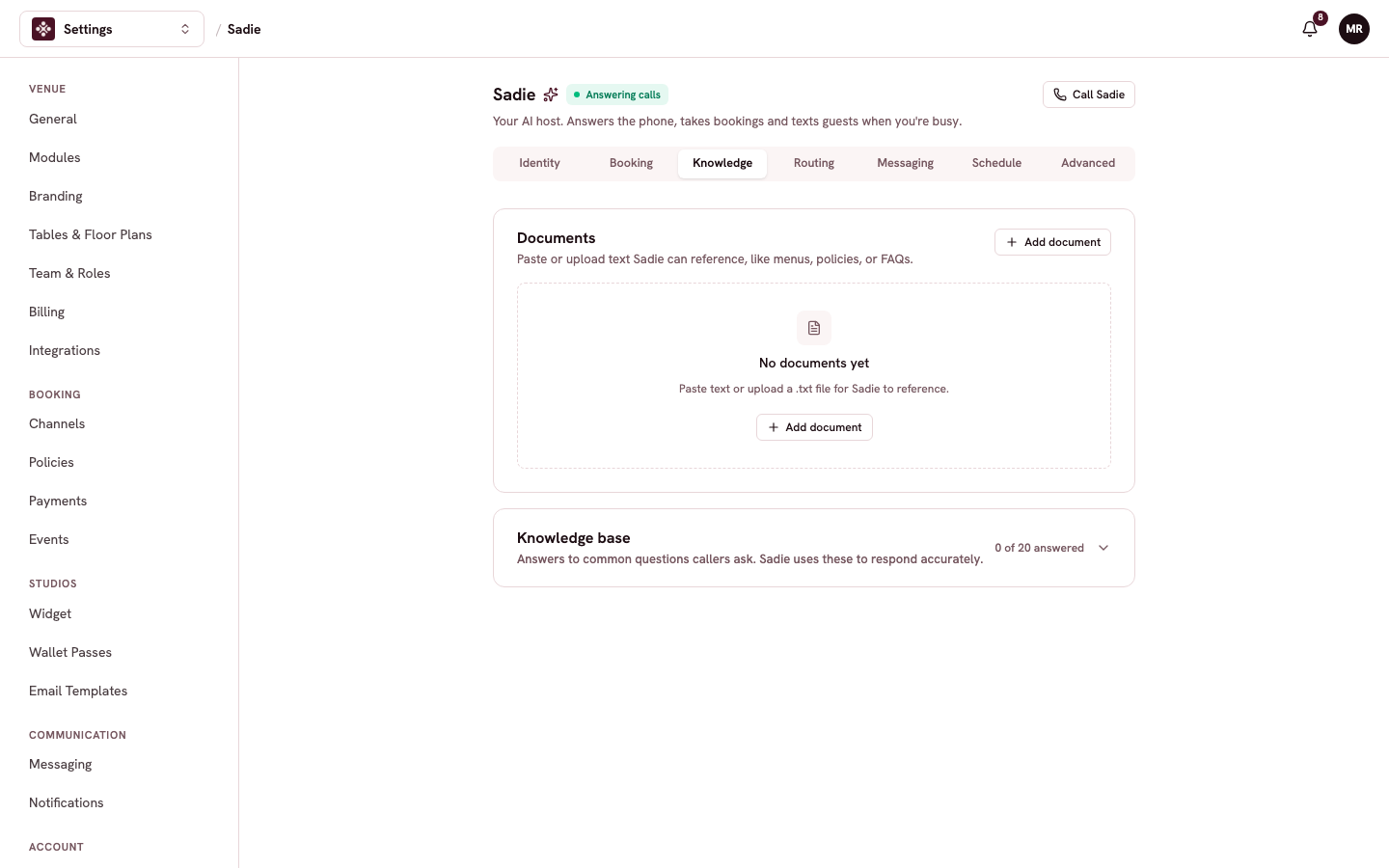
Documents takes pasted text or uploaded .txt files Mise can reference on calls: your menu, your policies, a FAQ you already keep. Paste the real menu rather than a summary; callers ask about specific dishes.
Knowledge base is a checklist of 20 questions callers commonly ask, hours, dress code, kids, dogs, corkage. The counter shows how many you have answered. Work through it once when you set Mise up; each answered question is one fewer transfer to your team.
The Messaging tab
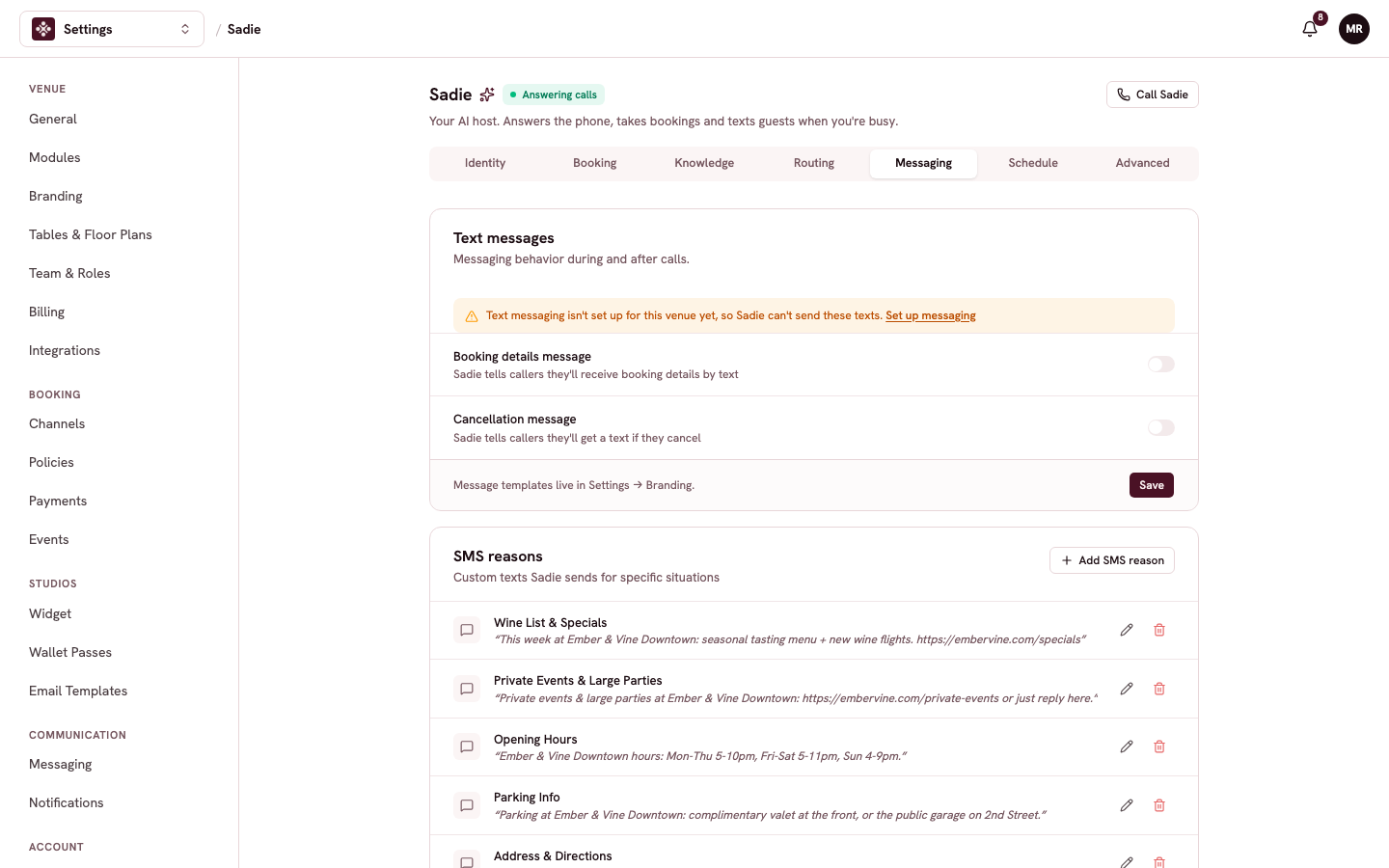
Booking details message has Mise tell callers they will get their booking details by text, and sends it. Cancellation message does the same when a caller cancels. Both need your venue's guest messaging set up first; the tab links you there if it is not.
SMS reasons are custom texts Mise sends for specific situations you define: a caller asks about the wine list and Mise texts the specials link, a caller asks about private events and Mise texts your events page. Each reason is a trigger plus the exact message, so what guests receive is always your wording.
Check your work
Call Mise and ask a question you just answered in the knowledge base, then ask something you have not. The first should come back instantly in its own words; the second should get a graceful "let me have the team follow up".