

Revenue and Mise AI
Track spend once your POS is connected, and see what your AI host handles for you.
Two Analytics tabs depend on connections: Revenue needs your point of sale, and the Mise AI tab needs Mise AI answering your phone. Both are empty until then, and both tell you exactly what to connect.
The Revenue tab
Revenue matches reservations to POS checks, so it can tell you average check sizes and how spend breaks down across booking channels and guest tiers, which channel brings the spenders, not just the bodies.
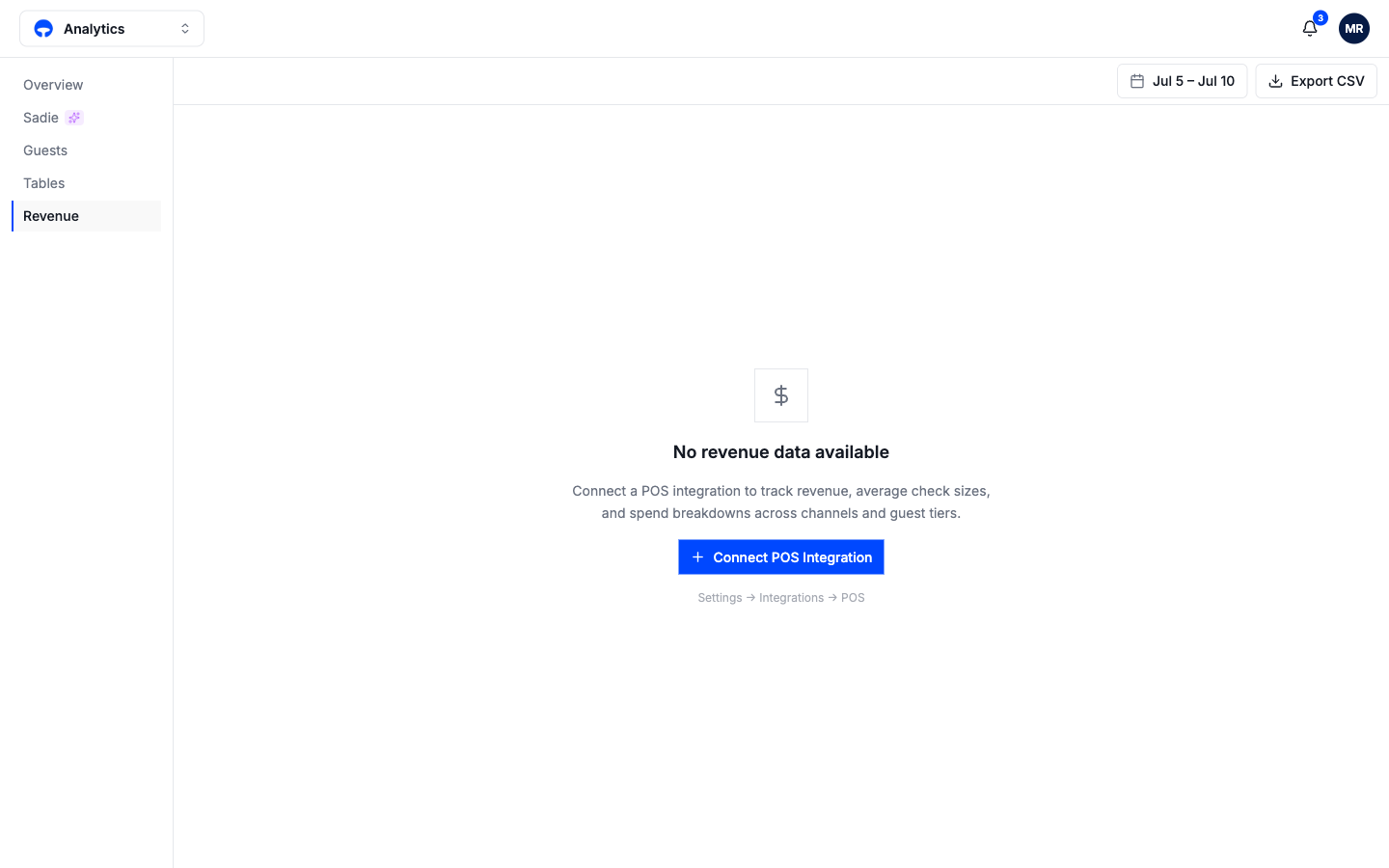
Until a POS is connected the tab shows the connect prompt above; the connection lives in Settings, under Integrations. Once data flows, the average spend tile on the overview fills in too.
The Mise AI tab
The Mise AI tab is the case for your AI host, in numbers:
Total calls, bookings made, estimated revenue, and conversion rate headline the period. Booking outcomes and calls & bookings chart how conversations ended, and when calls come in shows call volume by hour, which is usually heaviest exactly when your floor is.
Staff time saved totals the minutes Mise spent on calls that your team did not. Handled in parallel counts calls that rang while Mise was already on one; a single host physically could not have taken them.
When callers found no availability lists the dates and times people asked for and did not get, which is demand you could not see before. Transfer reasons shows why calls went to your team, and a reason that spikes is usually a knowledge base entry waiting to be written.
What's next
If the Mise AI tab convinces you, What Mise AI does covers switching it on.